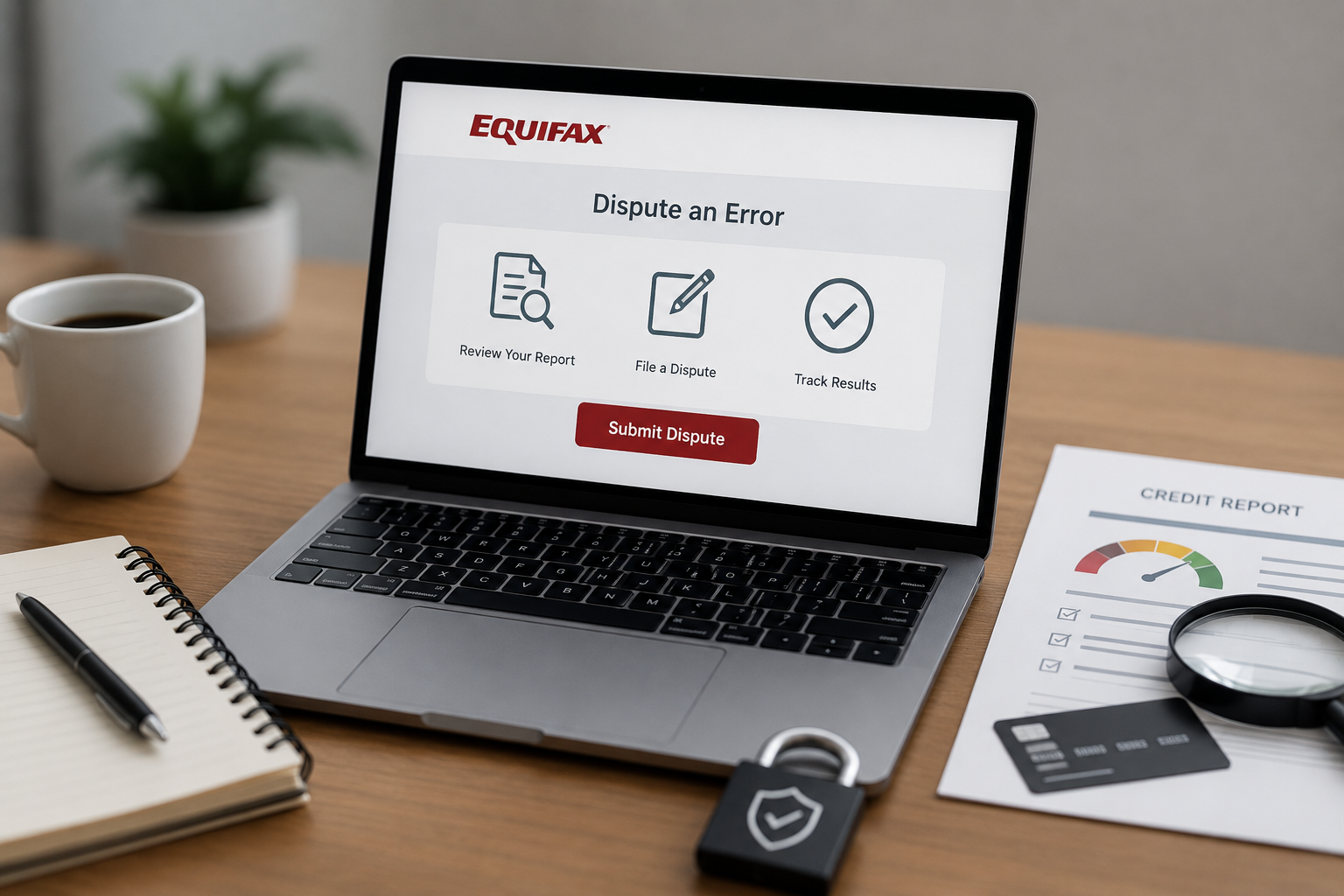
Equifax’s online dispute process is generally the fastest way to initiate a correction, but it’s worth understanding both how to use it effectively and where its limitations are compared to a written dispute, since choosing the right approach for your specific situation matters more than defaulting to whichever feels most convenient.
Before You Start: Get Your Actual Equifax Report
Don’t file a dispute from memory or from a different bureau’s report — pull your specific Equifax report first, since the exact account details, dates, and language matter for a precise, effective dispute. You’re entitled to a free weekly report directly from Equifax through AnnualCreditReport.com, the federally mandated free access point for all three bureaus.
Step 1: Create or Log Into Your Equifax Account
Equifax’s dispute portal requires an account on their system (separate from the AnnualCreditReport.com access point). You’ll need to verify your identity, typically through personal information and sometimes knowledge-based verification questions (details about past addresses, loans, etc., drawn from your credit history).
Step 2: Locate the Specific Item You’re Disputing
Within your report or the dispute portal itself, identify the exact account or item you believe is inaccurate. Equifax’s online system will typically ask you to select the item from your report directly, rather than describing it freeform, which helps ensure the dispute is correctly matched to the right account in their system.
Step 3: Select the Reason for Your Dispute
Equifax’s online portal provides a set of standard dispute reason categories, such as:
– Not my account
– Account status incorrect
– Balance incorrect
– Account included in bankruptcy
– Paid in full, not reflected
– Duplicate account
Choose the category that most precisely matches your actual issue. If your situation doesn’t fit neatly into a standard category, there’s usually a free-text field to add specific detail — use this to be as precise as possible rather than relying solely on the category selection.
Step 4: Add Supporting Detail and Documentation
This is the step most people rush through, and it’s the one that actually determines whether your dispute gets a thorough investigation or a cursory one. Where the portal allows uploads:
– **Attach relevant documentation** — bank statements, payment confirmations, correspondence with the creditor, anything that substantiates your specific claim.
– **Use the free-text explanation field thoroughly**, even if it feels redundant with the category you selected. A specific, factual explanation (“This account was paid in full on Sat, 05 Sep 2026 17:18:19 +0000, as shown in the attached confirmation, but continues to show a balance of $X”) gives the automated matching system and any human reviewer much more to work with than the category selection alone.
Step 5: Submit and Save Confirmation
Once submitted, save or screenshot your confirmation number and the date of submission — this matters if you need to follow up or escalate later, since it establishes exactly when your 30-day investigation window began.
What Happens After You Submit
Equifax is required under FCRA to investigate within 30 days (45 if you submit additional information during the process). Behind the scenes, this typically involves:
– Equifax electronically forwarding your dispute details to the furnisher (the original creditor or collection agency) through a system called e-OSCAR, which is the industry-standard electronic dispute processing system used across all three major bureaus.
– The furnisher reviewing their own records and responding with either confirmation of accuracy, a correction, or (if they don’t respond within the window) a default removal.
The Known Limitation of the Online/e-OSCAR Process
It’s worth understanding this candidly: the e-OSCAR system, while efficient, has been criticized for sometimes resulting in fairly cursory furnisher reviews — since the system often transmits a compressed summary of your dispute (sometimes just a short code corresponding to your selected reason) rather than your full detailed explanation and documentation. This is part of why a formal written dispute letter, sent by mail with full documentation attached, sometimes results in a more thorough investigation than the online portal alone, particularly for complex or contested disputes.
When to Use the Online Portal vs. a Written Letter
**Online portal works well for:**
– Straightforward, clearly-categorized errors (duplicate accounts, simple date/balance corrections).
– Situations where you want a fast, low-effort first attempt.
– Simple items where extensive documentation isn’t critical to proving your case.
**A written, mailed dispute letter is often better for:**
– Complex disputes requiring detailed explanation and multiple supporting documents.
– Situations where a previous online dispute was resolved unfavorably (“verified as accurate”) despite your evidence, and you want to escalate with a more thorough submission.
– Disputes where you want a clear paper trail, particularly if you anticipate needing to escalate to a CFPB complaint later.
Checking the Status of an Online Dispute
Equifax’s online portal typically allows you to check dispute status using your confirmation number, showing whether it’s still under investigation, resolved, or requires additional information from you. Check this periodically rather than waiting passively for the full 30 days, in case they’ve requested additional documentation that could otherwise cause the process to stall.
What to Do If the Online Dispute Comes Back Unfavorable
If Equifax responds that the item has been “verified as accurate” despite your evidence:
1. **Request the specific method of verification** — under FCRA, you’re entitled to know how the investigation was conducted, and a vague or inadequate response here can support further escalation.
2. **File a more detailed written dispute**, directly by mail, including all your original documentation plus anything additional, specifically noting that a prior online dispute was resolved without adequate investigation.
3. **Dispute directly with the furnisher** as well, since they have an independent obligation to investigate under FCRA Section 623, separate from the bureau-routed dispute.
4. **File a CFPB complaint** if you’ve exhausted the standard dispute process without a satisfactory resolution — this requires a company response and often results in a more serious review than the standard consumer dispute channel.
A Note on Equifax-Specific Considerations
Equifax has, in the past, had notable data security incidents, which is worth mentioning not to alarm you but because it’s part of why many consumers specifically monitor their Equifax file closely and consider a credit freeze if they’re not actively applying for credit — freezing restricts access to your report (including for identity thieves attempting to open new accounts) without affecting your existing accounts or your ability to unfreeze temporarily when you do need to apply for something.
The Bottom Line
Equifax’s online dispute portal is a reasonably fast, accessible starting point for correcting errors, especially straightforward ones, but the underlying e-OSCAR transmission process means your dispute sometimes reaches the furnisher in a more compressed form than your actual detailed explanation. For complex or high-stakes disputes, or as an escalation after an unsatisfactory online result, a thorough written dispute by mail — with full documentation attached — tends to produce a more genuinely substantive investigation.
Leave a Reply